Platform · Plant layout

Find any punch item on the plant.

Upload the site general arrangement drawing, draw your areas once, and every open punch item and issue shows where it is. Add detailed drawings per area and level for plants on many floors.

The problem
"Where is it?" wastes hours on a big site. A tag number on a list does not tell a new starter which building, which level, or which side of the conveyor.
Upload

Upload the overall site drawing, then detailed drawings for each area and level.

Draw areas

Draw each area of the work breakdown once on the drawing.

Pin

Punch items and issues are placed on the drawing, by area or by an exact pin.

Find

Open any item and jump straight to where it is on the plant.

What you get

Plant layout in Sigma

  • Overall site drawing plus detailed drawings per area and level
  • Items grouped where many sit close together
  • A "Show on plant" link from punch items and issues
  • Drawings uploaded as PDF or image
  • Works on a tablet in the field
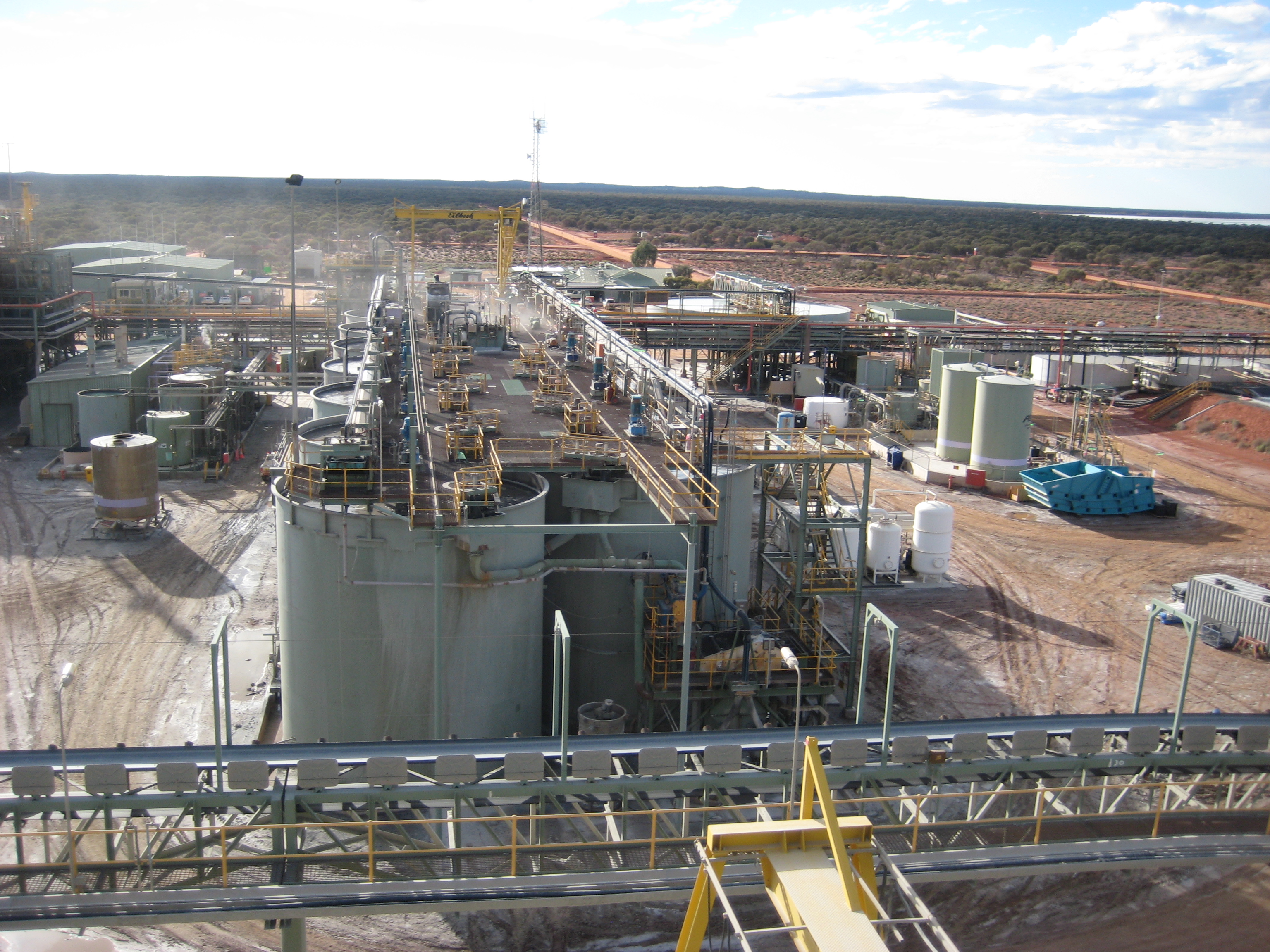
A processing plant from above
Connected

Works with the rest of Sigma